
Restore old memories.
Fix damaged photos.
Create visuals that sell.
Photo restoration, beauty retouching, transparent PNG recovery, video finishing, 3D matchmove, vector redraws, exhibition design, and print-ready graphics – all inside one focused studio.
9+
creative service lines
Human
final quality control
Remote
worldwide collaboration
Before
After
Face Enhancement
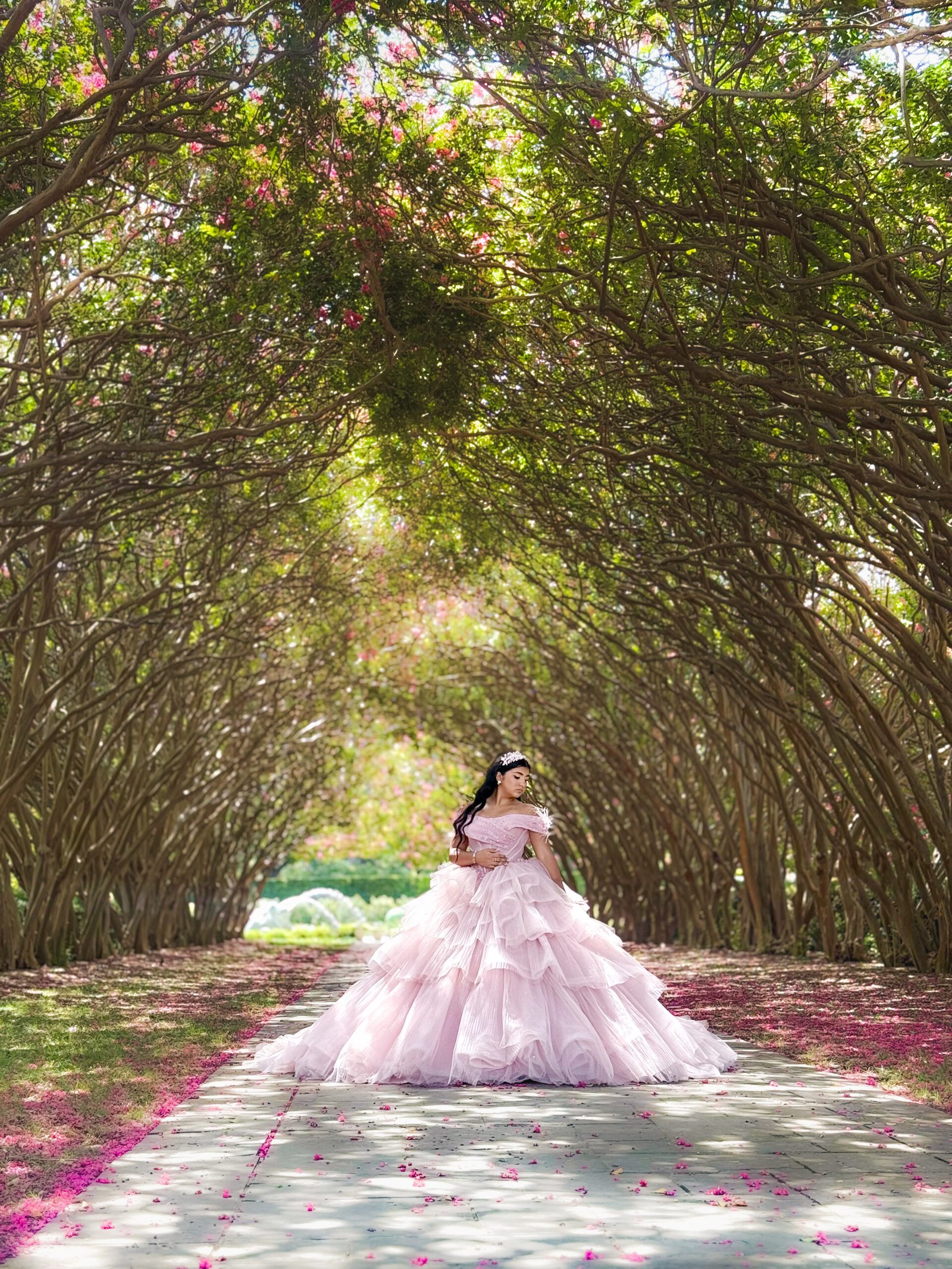
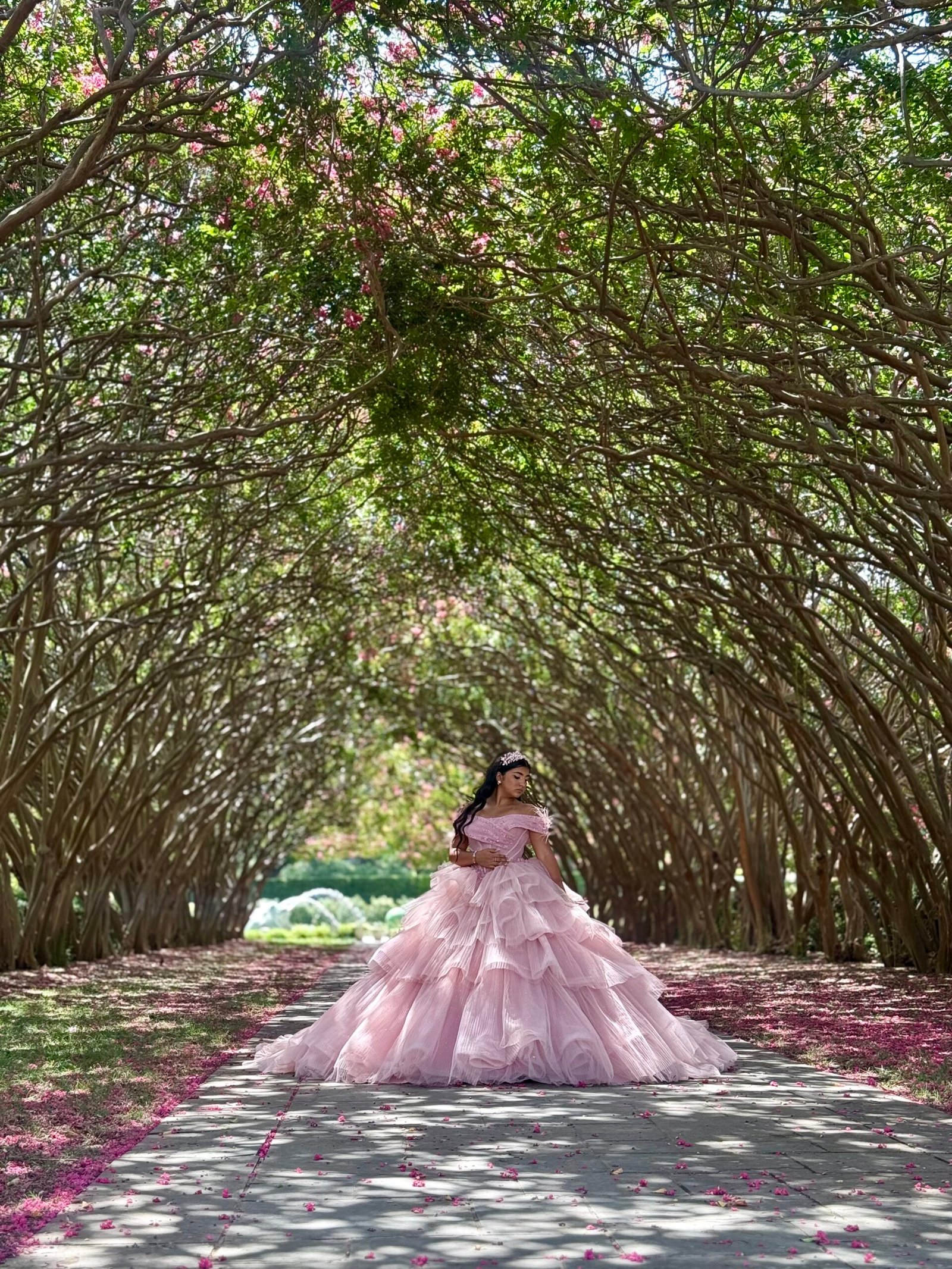
↔
Before
After
Vector Conversion


↔
Choose the problem
What do you need fixed?
Start with the outcome. Every card can link to a project brief or a dedicated service page.
01
Service path
Old photo restoration
Repair scratches, folds, stains, fading, missing detail, and age-related damage.
02
Service path
Beauty retouching
Natural skin cleanup, hair control, dodge and burn, fabric work, and editorial polish.
03
Service path
Image enhancement
Improve color, contrast, sharpness, exposure, and visual balance without an artificial look.
04
Service path
Background removal
Manual masking or white-and-black plate alpha recovery for products, hair, glass, and smoke.
05
Service path
JPEG to transparent PNG
Use the free pair-based converter or request a hand-finished catalogue cutout.
06
Service path
Vector conversion
Redraw low-resolution artwork as clean, scalable SVG, EPS, AI, PDF, and PNG files.
07
Service path
Video editing
Turn raw footage into a paced, branded, clear, and delivery-ready final video.
08
Service path
3D tracking & matchmove
Solve live footage so CGI, labels, screens, or signs stay locked into the scene.
09
Service path
Booths, banners & print
Design event environments and graphics with production dimensions, bleed, and safe areas.
Simple collaboration
How it works
A clear three-step path from raw files to a reviewed final deliverable.
UP
Step 01
Share files & goals
Send the source files, references, deliverable list, deadline, and any technical requirements.
OK
Step 02
Confirm scope
You receive a tailored workflow, timeline, revision plan, and project-specific quote.
DL
Step 03
Review & receive
Preview the work, leave focused feedback, then receive the approved high-resolution files.
Featured workflow
Professional photo restoration & custom editing
Old photographs often need more than a filter. The studio rebuilds damaged areas, balances tone, restores believable detail, and prepares the result for digital use or print.
- Scratch, tear, stain, and fold repair
- Faded color recovery or careful colorization
- Face cleanup while preserving identity and texture
- Print-ready sharpening and enlargement options
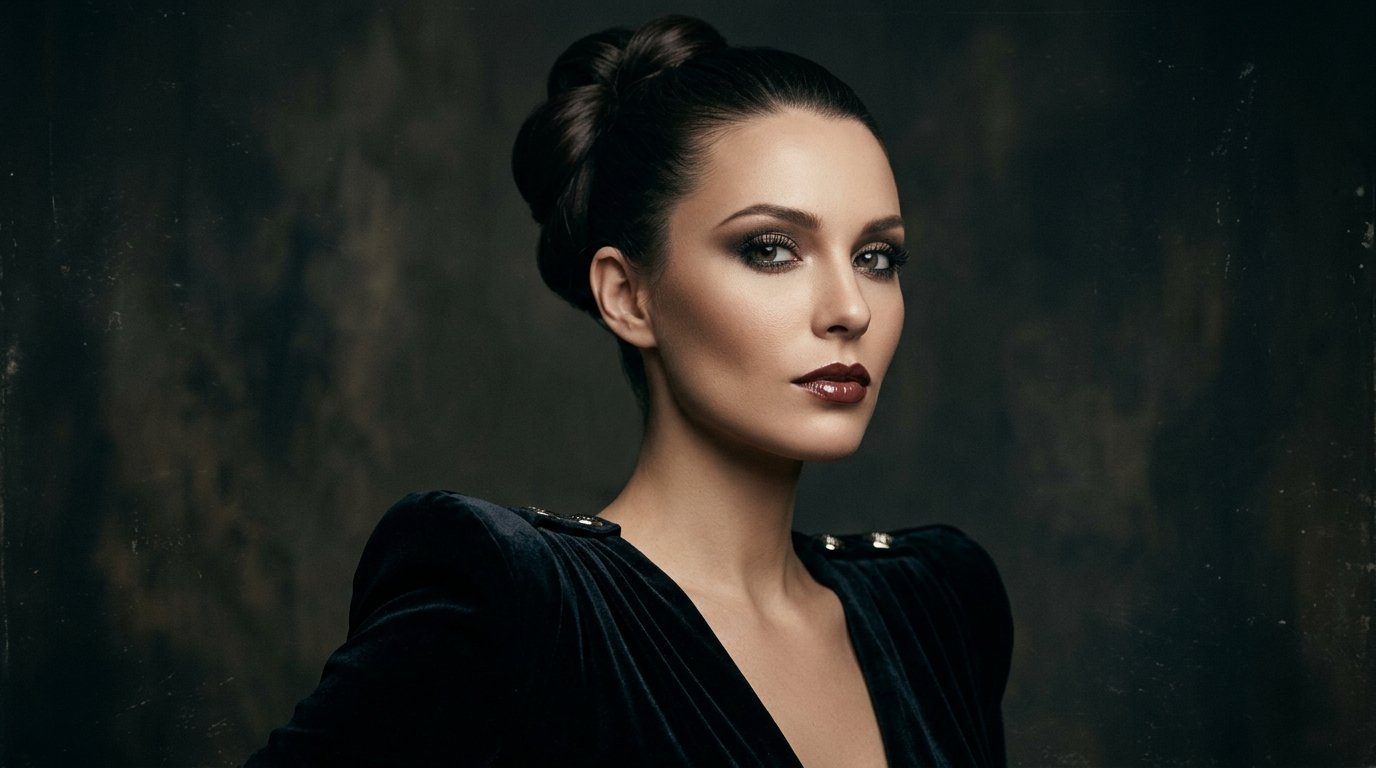
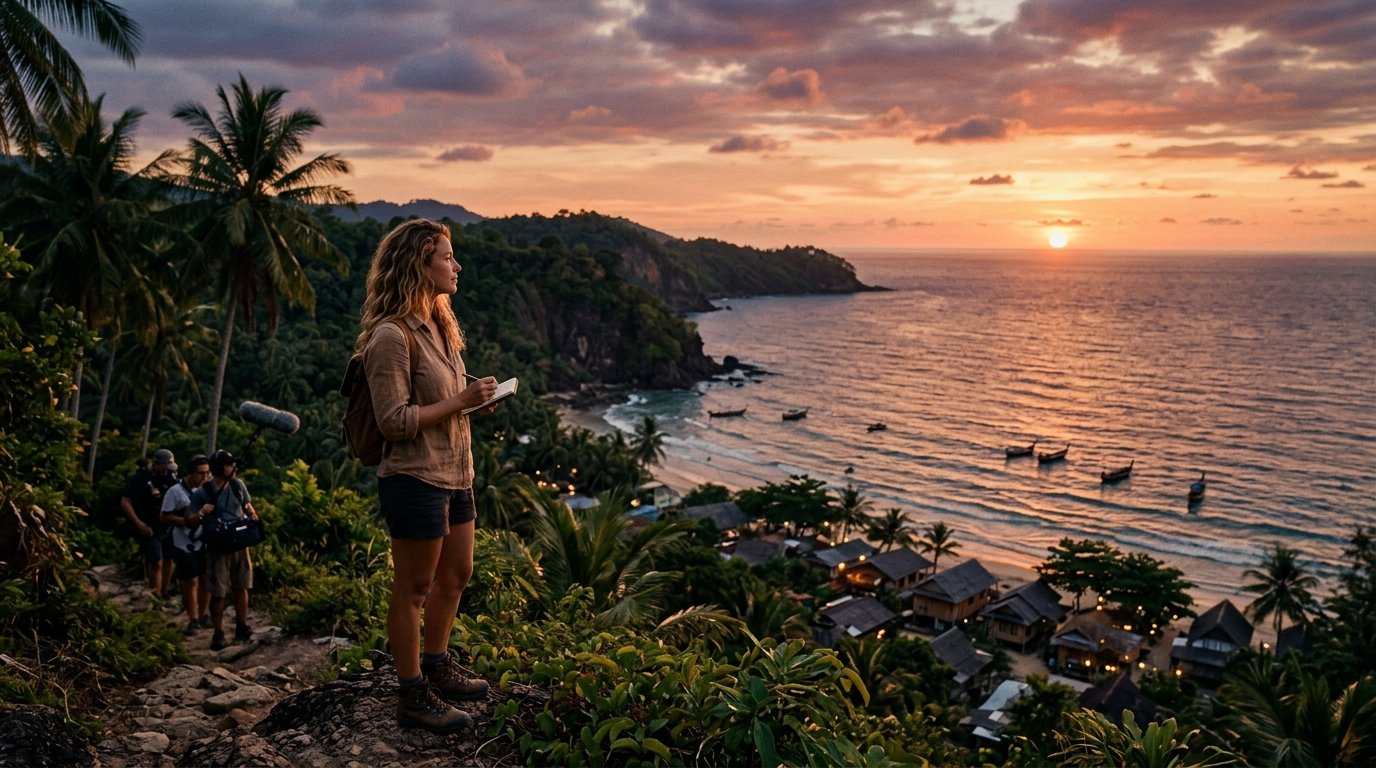
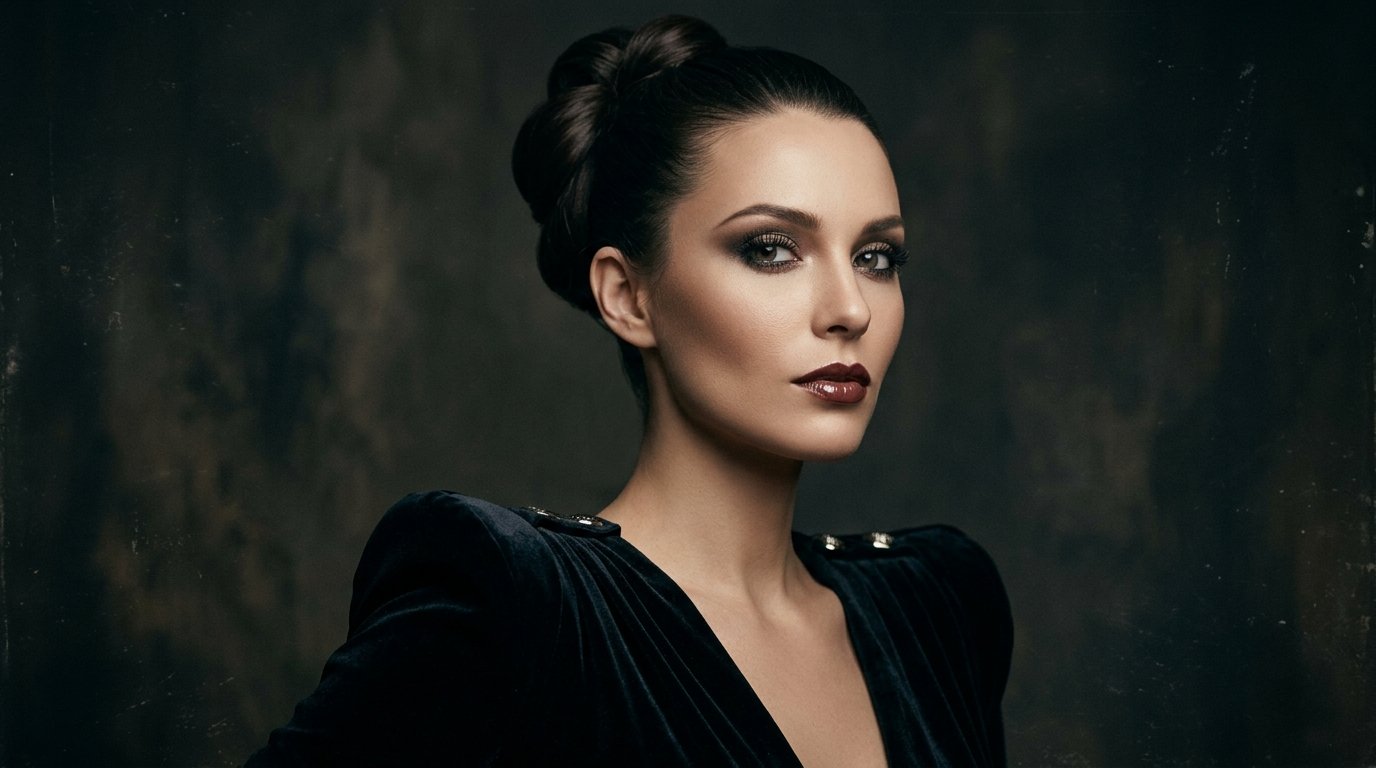
Professional restoration
Use the arrows to compare. Replace the carousel images or unhide the optional Video widget.
Full service directory
Creative production across nine core services
The original Uzition service range is preserved and restyled in the same light mint visual system.
VE
Video & animation
Animation videos & vlog editing
Pacing, sound design, motion graphics, visual hooks, captions, and polished intro or outro sequences.
- Editing and pacing
- Sound cleanup and design
- Motion graphics and captions
3D
Video & animation
3D camera tracking & matchmoving
Sub-pixel camera solves for placing CGI, signs, screens, or 3D elements into live-action footage.
- Camera solve and lens analysis
- Object or planar tracking
- Scene setup for CGI placement
CG
Video & animation
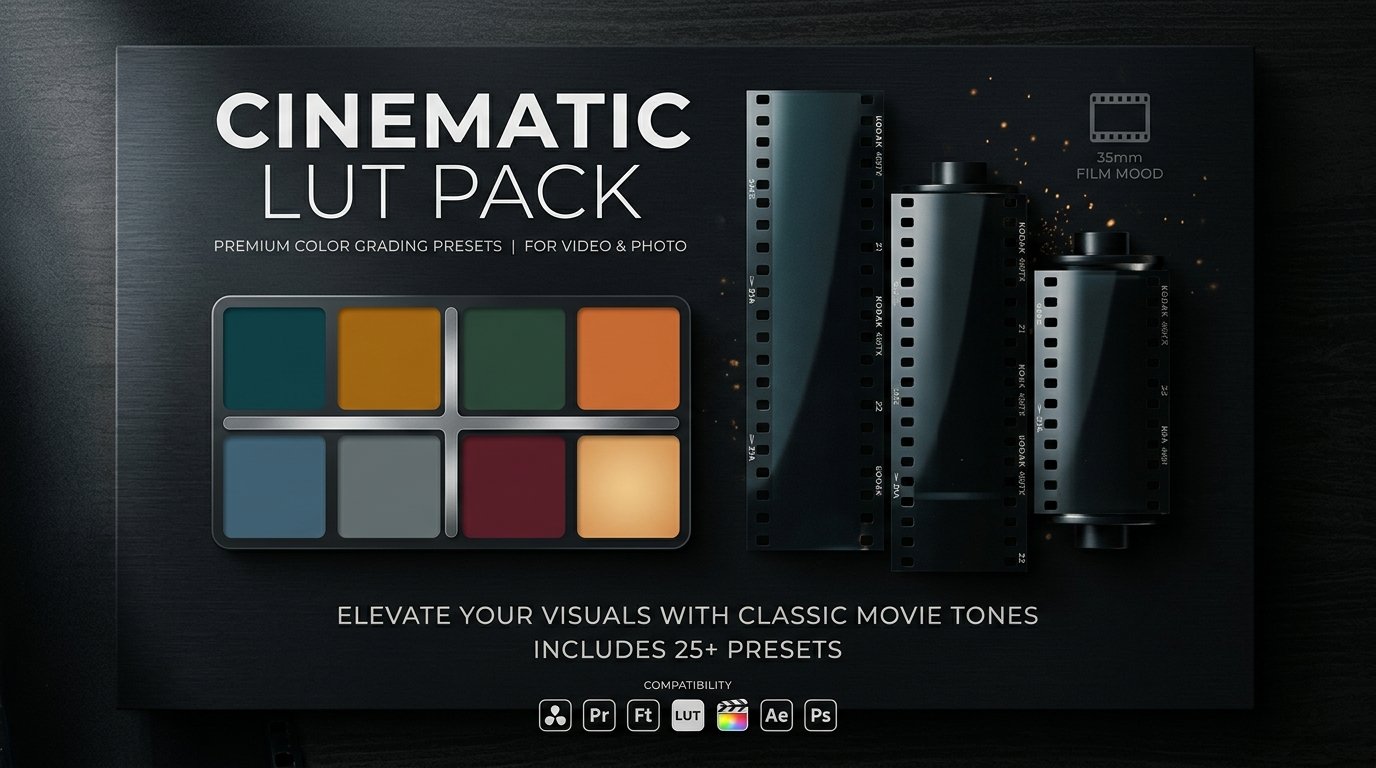
Color grading & finishing
Shot matching, exposure correction, skin tone calibration, look development, and clean final exports.
- Primary color correction
- Shot-to-shot matching
- Delivery-ready mastering
RT
Image & photo editing
Photo retouching & beauty finishing
Texture-aware skin work, dodge and burn, hair cleanup, fabric cleanup, and editorial finishing.
- Natural texture preserved
- Hair and flyaway cleanup
- Editorial color finish
RS
Image & photo editing
Photo restoration & scratch repair
Repair tears, scratches, fading, stains, missing detail, noise, and age-related damage.
- Scratch and tear repair
- Color recovery or colorization
- Print-ready upscale options
ED
Image & photo editing
Face swap & deep image edits
Careful compositing, replacement, cleanup, perspective matching, and color integration for complex edits.
- Lighting and skin-tone match
- Edge and hair integration
- High-resolution delivery
VX
Vector, exhibition & print
PNG/JPEG to vector conversion
Manual redraws for logos, illustrations, line art, and icons in SVG, EPS, AI, PDF, and high-resolution PNG.
- Manual clean paths
- Editable layers and colors
- Multiple export formats
EX
Vector, exhibition & print
Exhibition & tradeshow booth design
Spatial concepts, branded walls, counters, screens, product zones, and presentation-ready booth views.
- 2D wall artwork
- 3D layout visualization
- Production-ready dimensions
LF
Vector, exhibition & print
Large-format banners & signage
Outdoor banners, backdrops, lawn cards, entry graphics, and print-ready event signage.
- Correct bleed and safe areas
- High-resolution print setup
- Vendor-ready files
Selected work
Recent project directions
Replace each editable image box with your own before-and-after frames, stills, renders, or case-study cover.
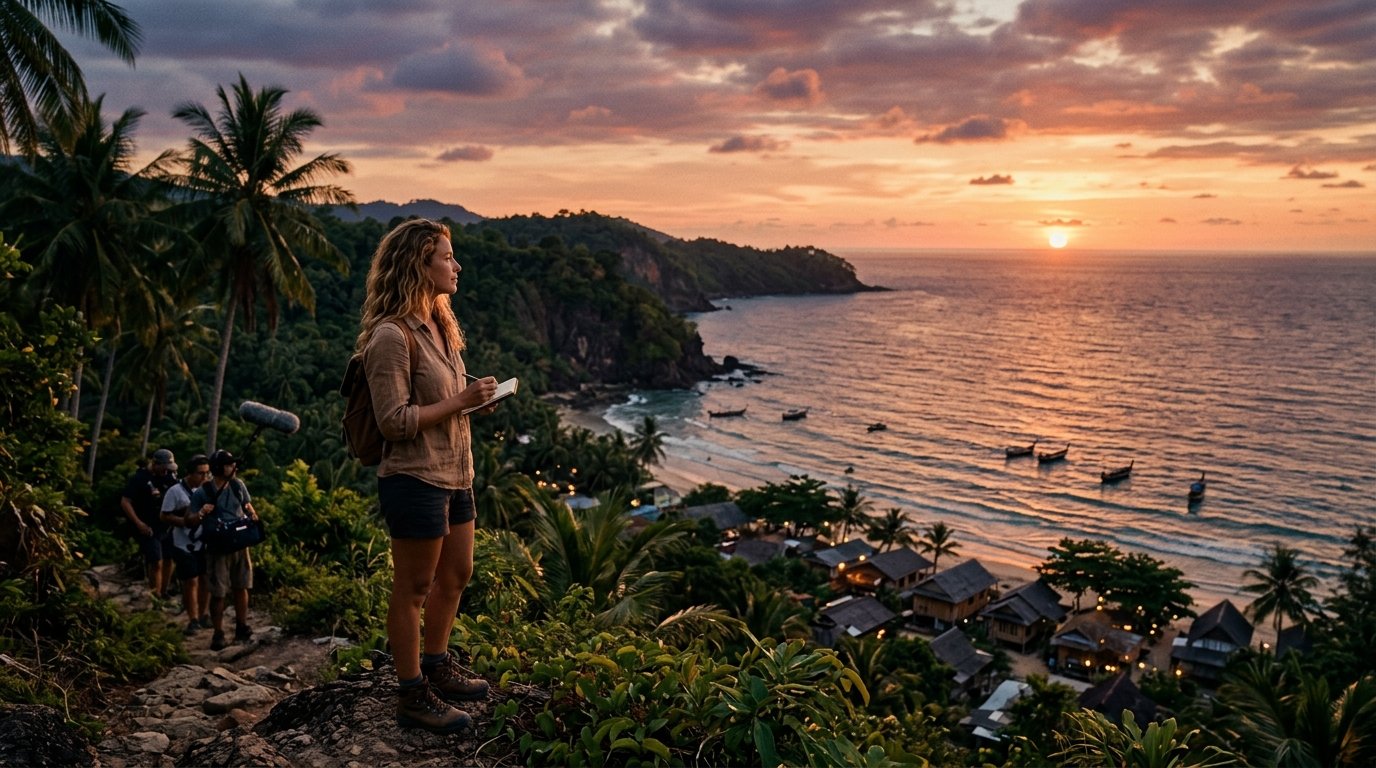
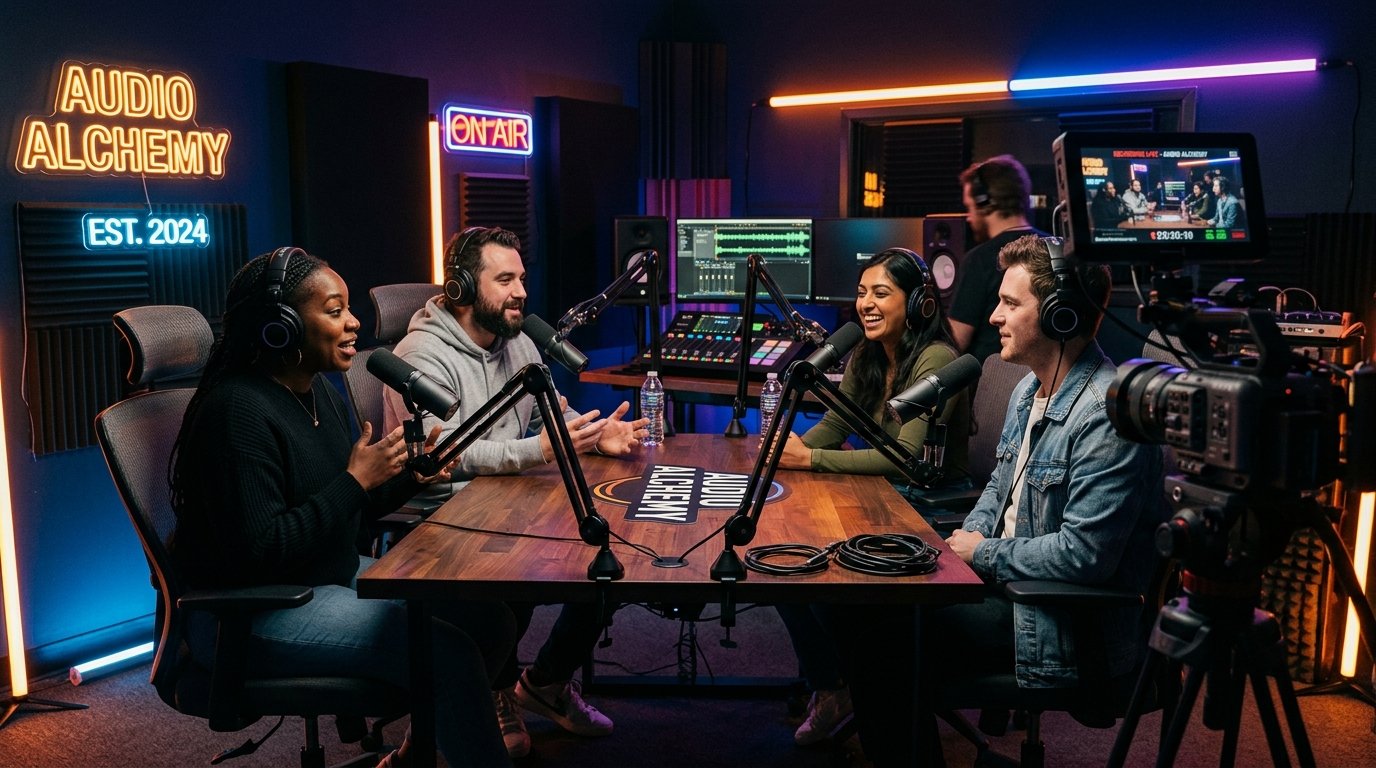
Video & animation
CyberMotion commercial edit & color grade
Pacing, optical cuts, dynamic sound design, and a controlled cinematic grade.
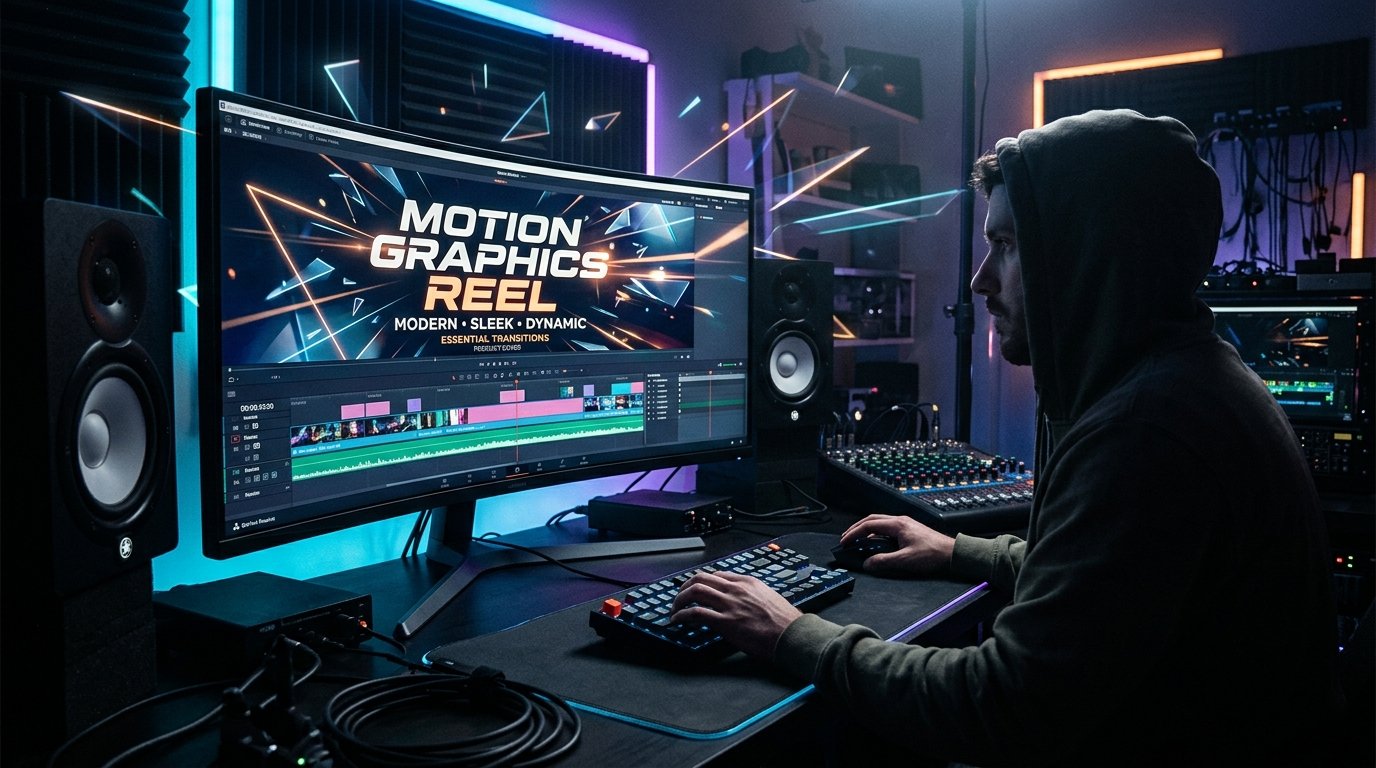
Camera tracking
Futuristic urban vehicle 3D matchmove
A sub-pixel camera solve and CGI placement over handheld 4K footage.
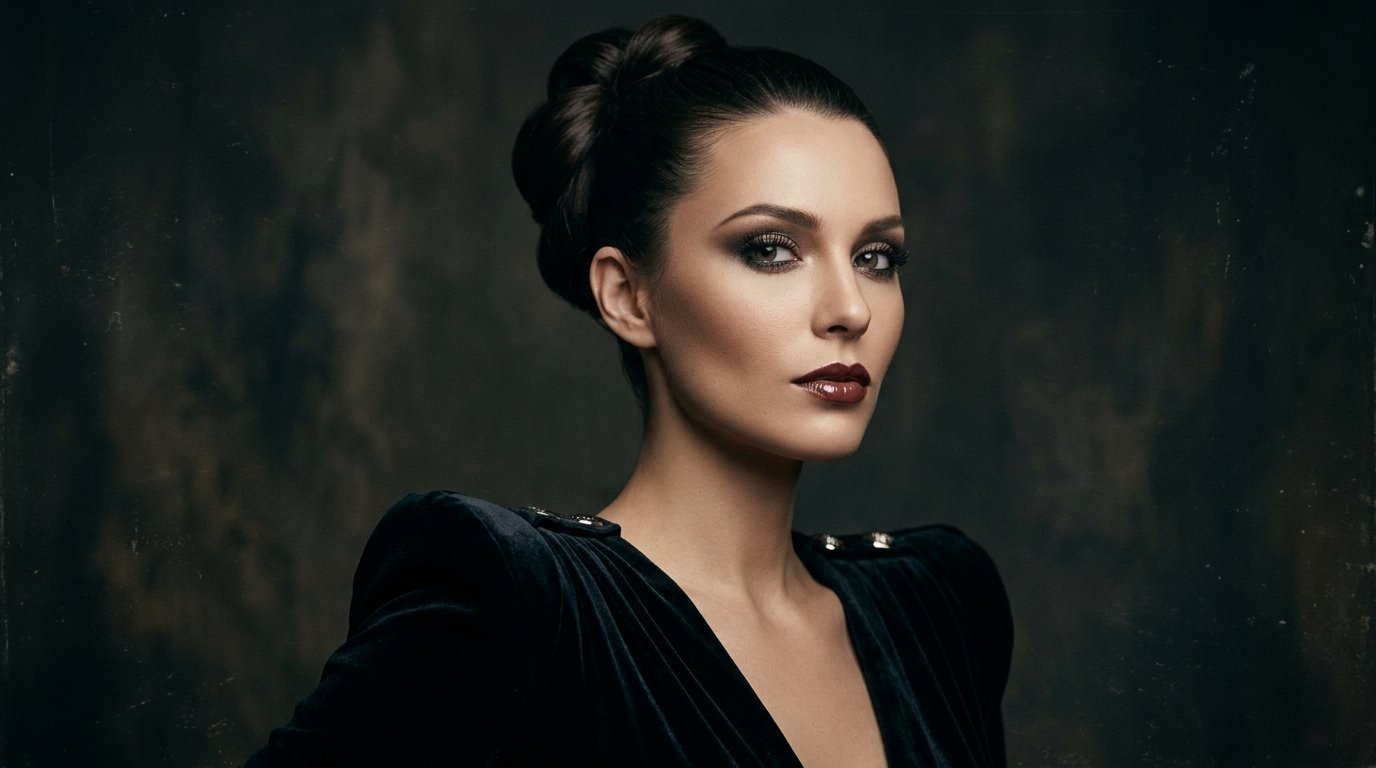
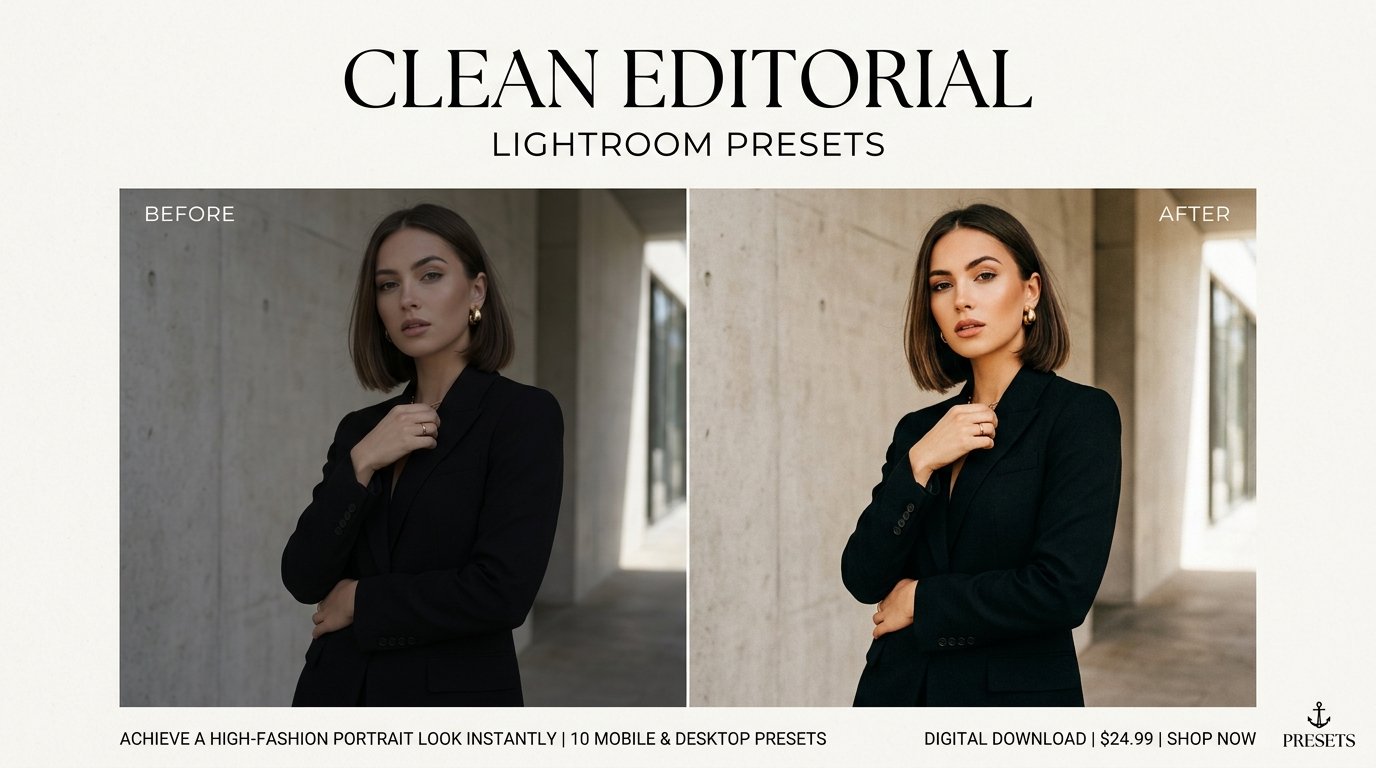
Beauty retouching
High-fashion beauty finishing
Texture-preserving skin retouch, dodge and burn, hair cleanup, and editorial color.
Transparent PNG
Product catalogue alpha recovery
Matching white and black plates converted into clean transparent product assets.
Exhibition design
3 m x 6 m tradeshow booth concept
Spatial planning, branded walls, product zones, and presentation-ready visualization.
Large-format print
Outdoor banners & event signage
High-resolution artwork prepared for vinyl banners, lawn cards, and entrance graphics.
Detailed production
Five-step delivery pipeline
A more detailed route for complex footage, catalogue work, booth graphics, or multi-format campaigns.
01
Step 01
Submit request
Share assets, references, deliverables, target date, and budget range.
02
Step 02
Project review
The files and technical requirements are checked before the scope is confirmed.
03
Step 03
Plan & milestones
You receive the proposed workflow, delivery schedule, and review checkpoints.
04
Step 04
Production & revisions
Work progresses through previews with clear, consolidated feedback rounds.
05
Step 05
Final delivery
Approved files are packaged in the requested resolutions, codecs, and formats.
Built for reliable handoff
Why clients use Uzition
The site avoids fixed price tables and directs every brief toward the right scope.
HQ
Studio standard
Human quality control
Every final delivery receives a manual visual and technical review.
ED
Studio standard
Editable deliverables
Layered or vector source files can be included when the workflow supports them.
PX
Studio standard
Pixel-aware finishing
Edges, textures, color, compression, and output dimensions are checked closely.
WF
Studio standard
Workflow flexibility
Single assets, batches, and multi-stage production can use the same request path.
RV
Studio standard
Focused revisions
Consolidated feedback keeps review rounds clear and efficient.
GL
Studio standard
Remote collaboration
Files and feedback can move across time zones through your preferred transfer method.
Next step
Have raw files waiting for a final pass?
Describe the desired result, attach references or a file link, and receive a tailored production reply.
Human-finished post-production for photos, video, vectors, exhibition graphics, and large-format print.
● Remote working worldwide
Tools & contact
Ready to begin?
Share the deliverables, deadline, references, and budget range. You will receive a tailored reply.
© 2026 Uzition. All rights reserved.